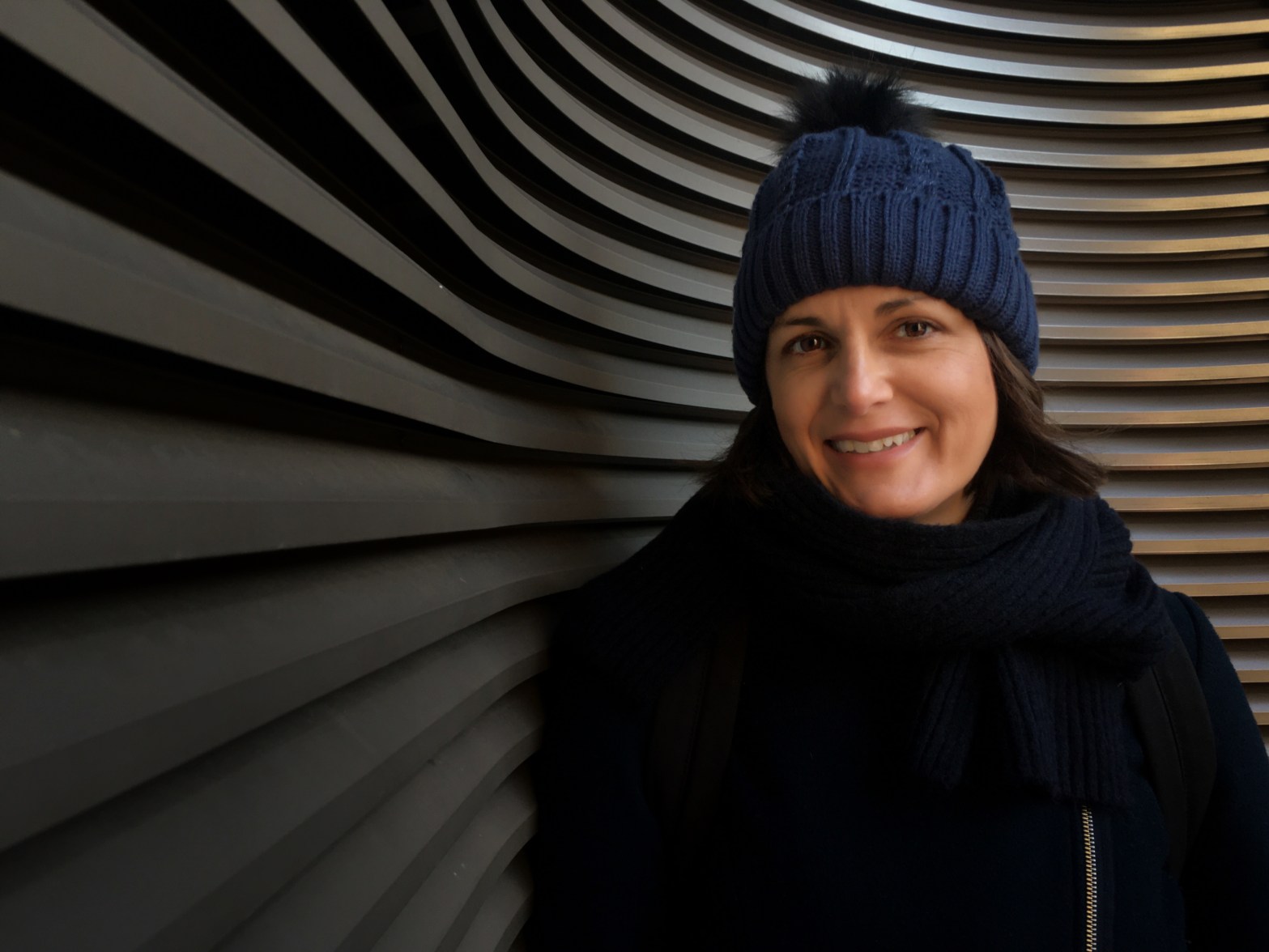
Last Friday, I took a two hour class through AirBnB Experiences. It was called “Smartphones are Not for Calling” with Danylo. It was a cold day and I ended up being the only participant.
I really wanted to do something enriching and thought this course could give me a few tips with taking photos.
Danylo and I met at Bahnhof Friedrichstraße. He gave me some tips in the train station and we soon went outside.
He showed me a group of high rises and asked me if there might be an interesting way to capture the buildings.
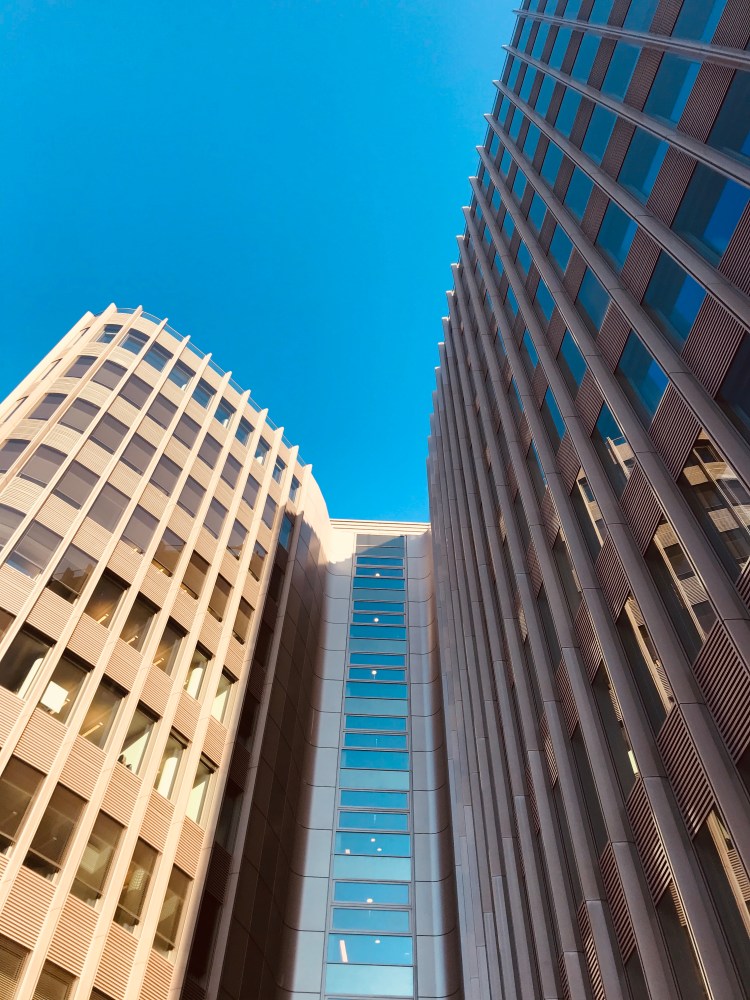 {Normal view of our first subject – a collection of high rises}
Danylo brought me much closer to the buildings and had me look up. He suggested I hold the phone as though it were a gaming controller and I was playing a driving game. The point was to keep my wrists soft and to rotate them around fluidly (instead of impersonating a back breaking yoga bend). The resulting image was much more interesting.
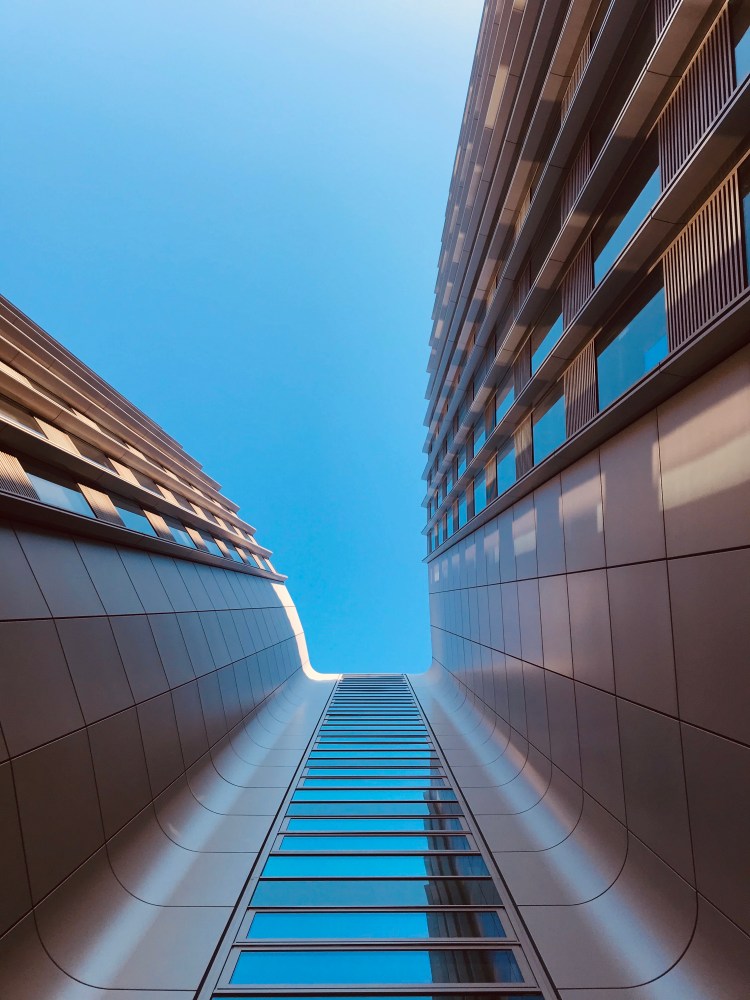 {Artistic way to view the buildings}
I was hooked. We stuck around the buildings to try some more techniques.
In addition to holding the camera straight so that the horizontal lines were flush with the edge of the view finder, he explained how to capture images on an angle.
He instructed me to fix the diagonal on the exact corner of the screen. The idea was to make the image “simple and organized” for the human eye. I thought this next image turned out well.
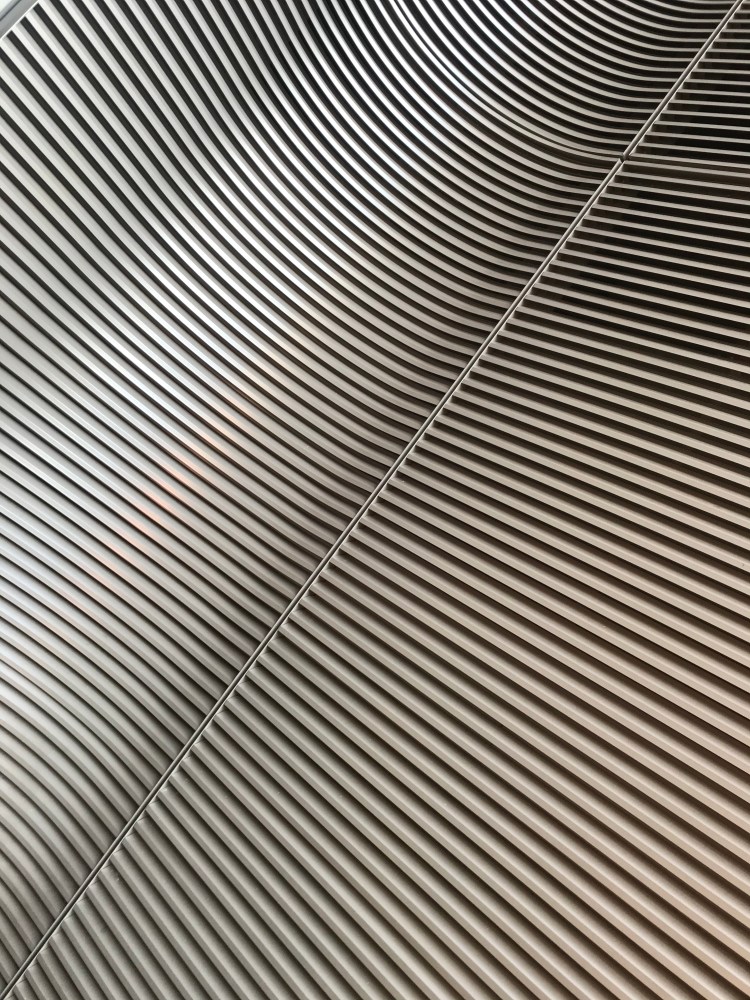 {Shooting the same building while focusing on the diagonal}
We next slid over to the edge of the building to take portraits. Danylo instructed me to line the edge of my phone with the lens towards the edge of the building and not the other way around. He then had me check the gridlines on my screen. He said to align his eye with the top of the two horizontal lines and with first of the three vertical lines on one edge. The result was a more interesting and balanced, but off center portrait. I loved it!
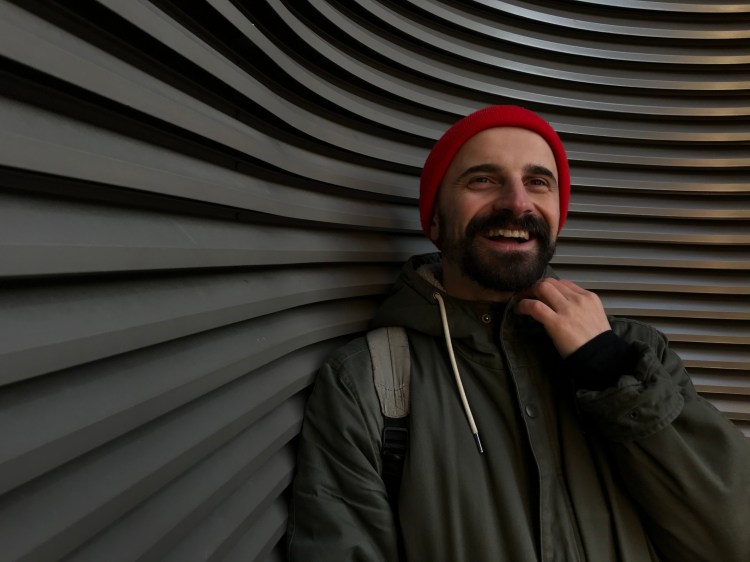
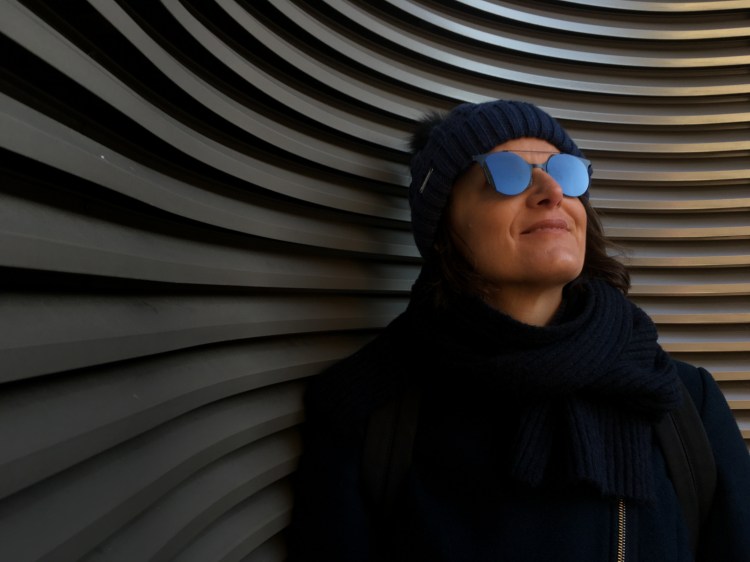
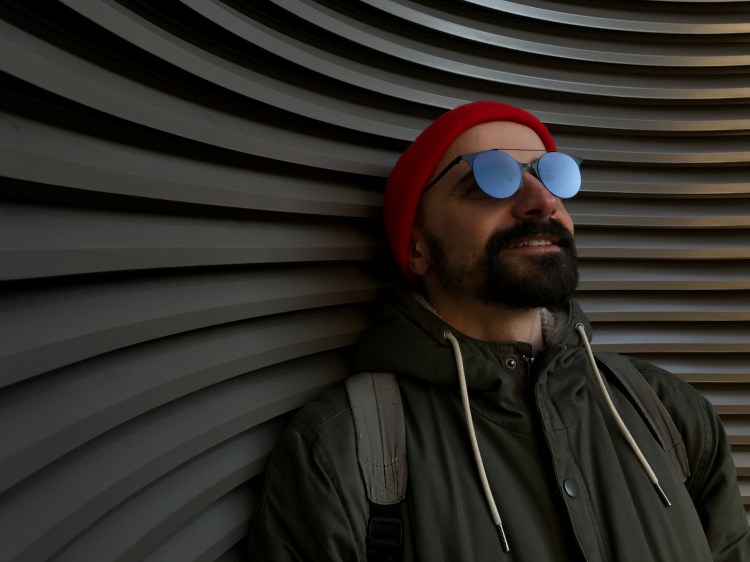 {Practicing portraiture, lighting, and balance}
We next moved back into the train station. He asked me which train station I preferred in Berlin. I told him that I love the new Haupbahnhof, or main train station, with its sleek glass sweeping around the tracks. I also love the Hamburger Bahnhof, the 19th Century railway station that is now an art gallery.
He said that his favorite is the Friedrichstraße Bahnhof because of one special feature. He led me to the top platform and asked me to find a spot with both wood and glass elements. My eyes immediately fell upon a passageway at the end of the platform.
Here we practiced using light (and avoiding direct sunlight), contrast and natural materials to create an interesting image.
We waited for the crowd from the latest train to clear and set up our shot. Realizing it could be more interesting with a person walking in the frame, he went to one end and walked, skipped and ran while I captured his image.
This resulted in the following shots, which we later used the app Snapseed to edit, giving the wood a warmer tone.
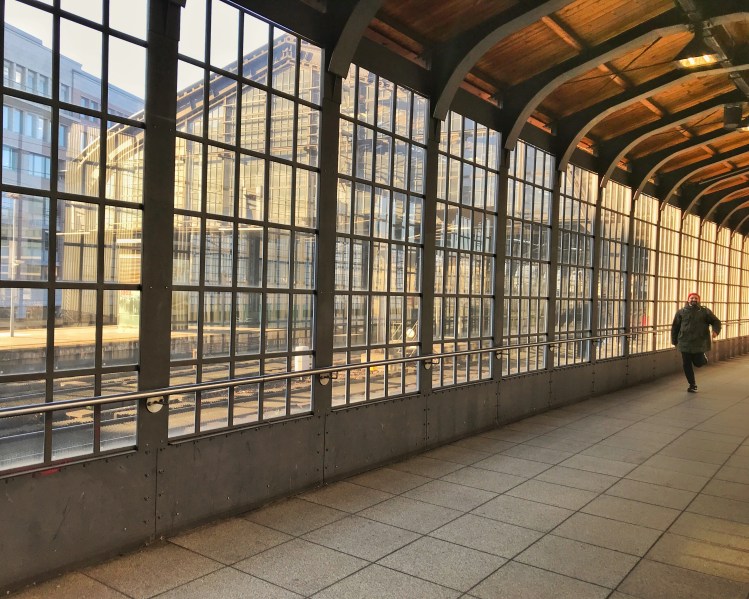
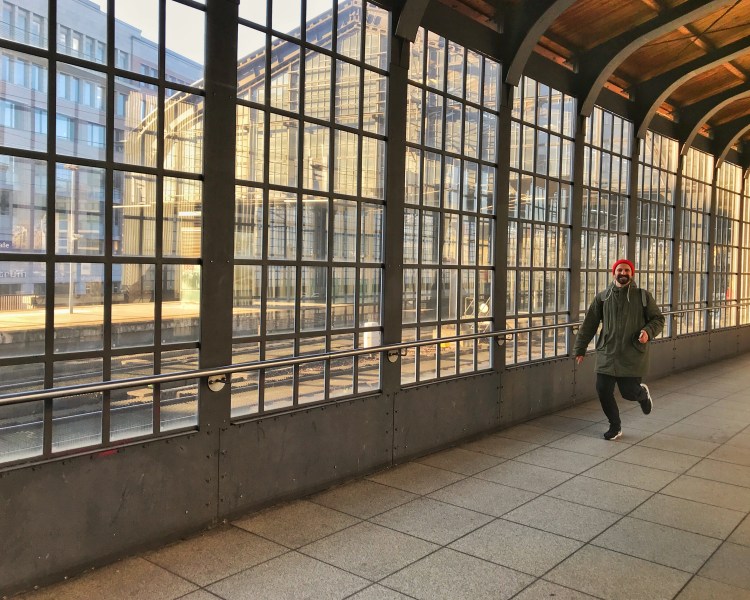 {Fun in the Friedrichstraße Bahnhof}
We next moved outside to the tram stop. He asked me if I could show him a way to take a photo of the seats at the stop more interesting. I looked around, but didn’t quite know. He brought me down to the level of the seats and made sure I had the image centered. I didn’t know that my old iPhone could take such a nice shot.
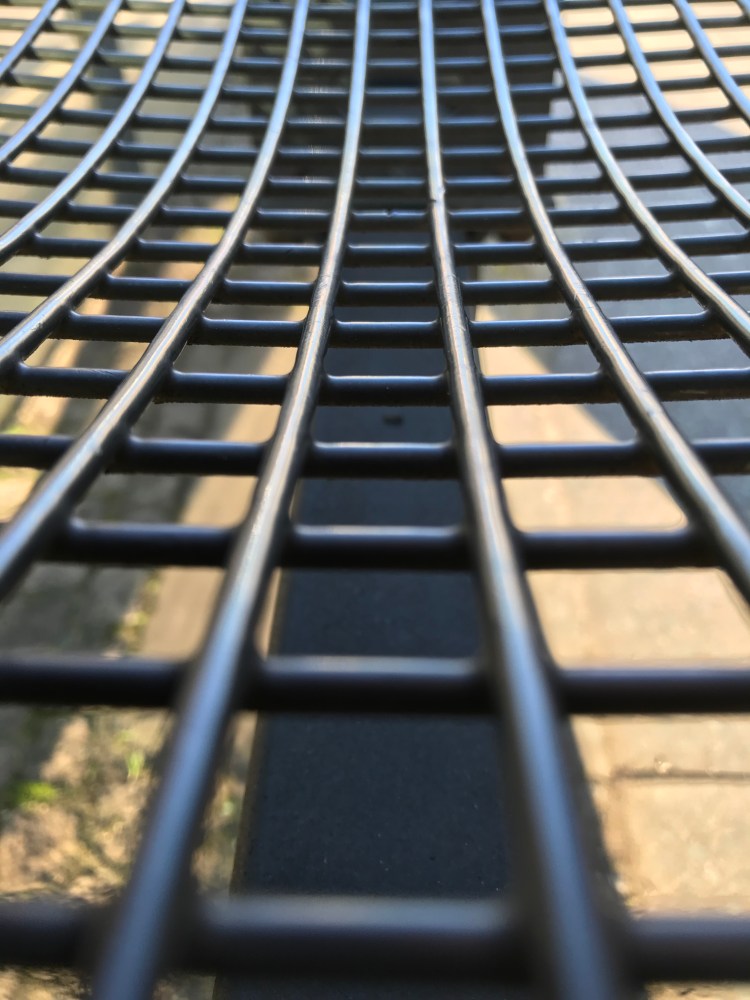 {Tram platform bench}
We next crouched down next to the rail and focused on the tactile paving (designed to help visually impaired and blind people safely navigate walking surfaces) in the foreground and waited for the next tram to arrive. I held down the shutter button so that a burst of photos were taken from which I could choose my favorite. Here is the resulting photo.
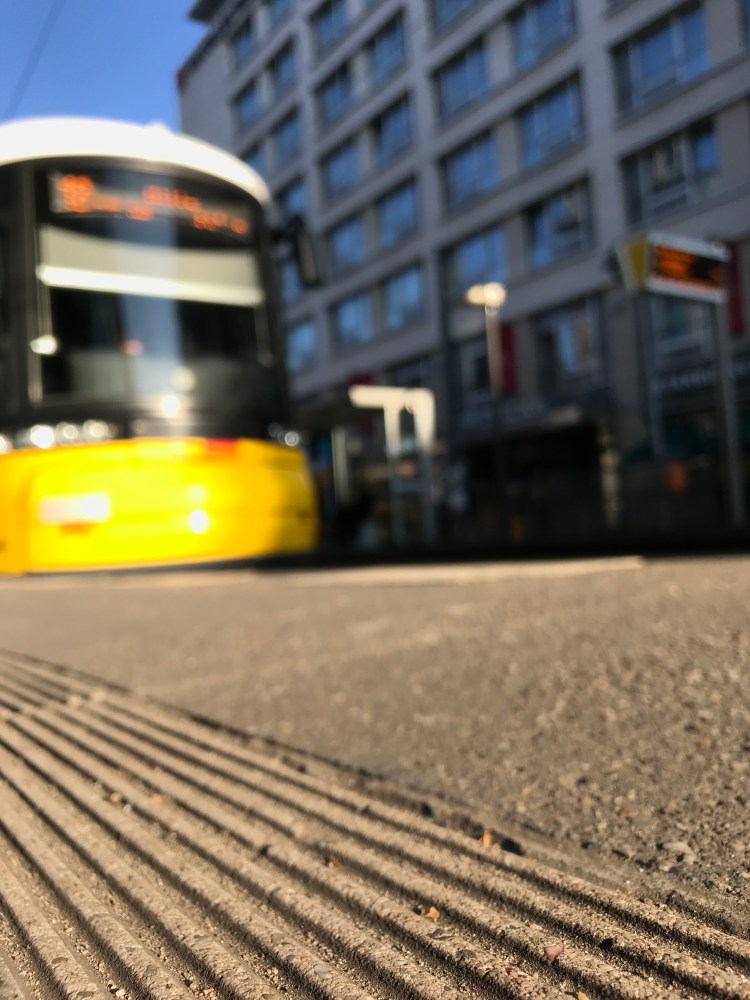 {Tram shot with the platform in the foreground}
Danylo next taught me how to use the Live function to create a time lapse effect. Our subject again was the tram.
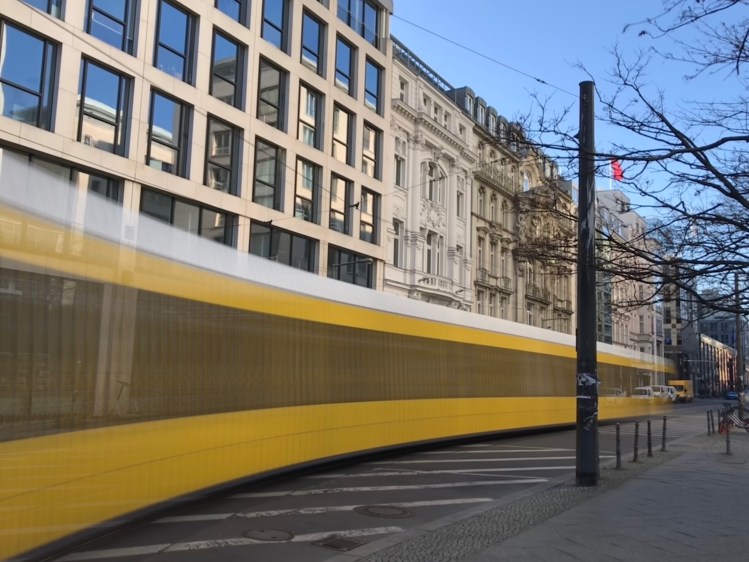
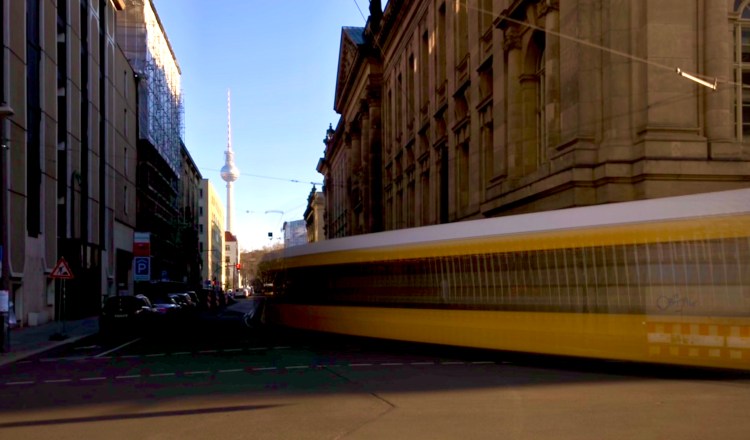
{Using the iPhone Live feature}
Next to the tram line were a few high rises. He pointed out the following shot and called it the “Diving Board”.
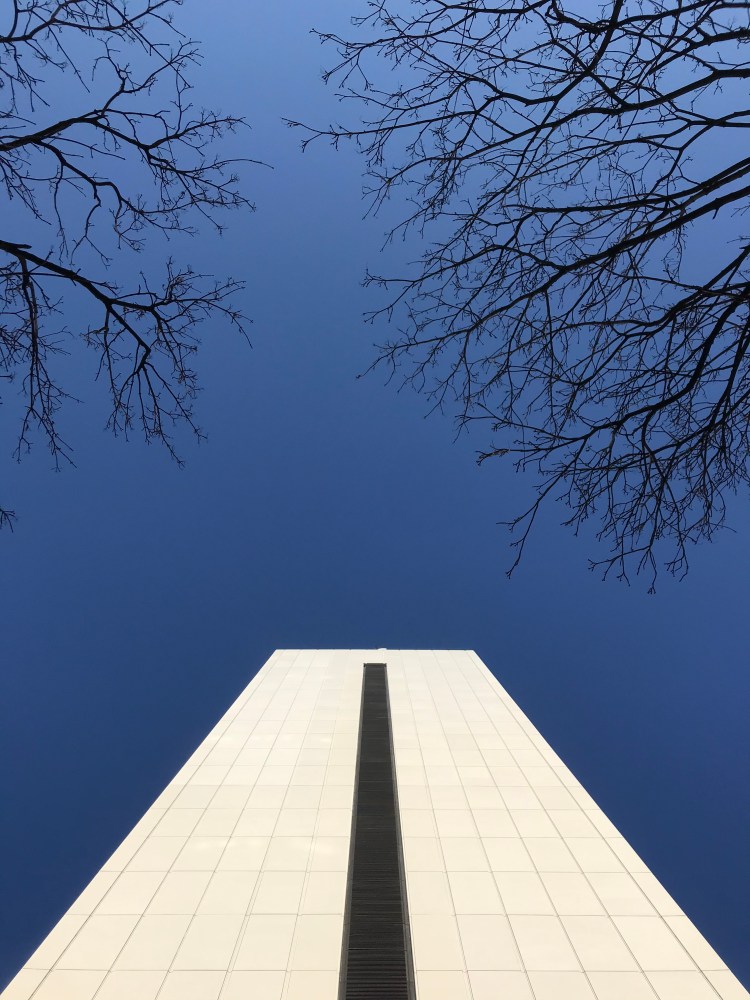
{Close up architectural shot “The Diving Board”}
And finally, I took this shot using the diagonal method. I told Danylo that I didn’t like the flagpole and he said not to worry. He showed me how to erase it using the Snapseed app.
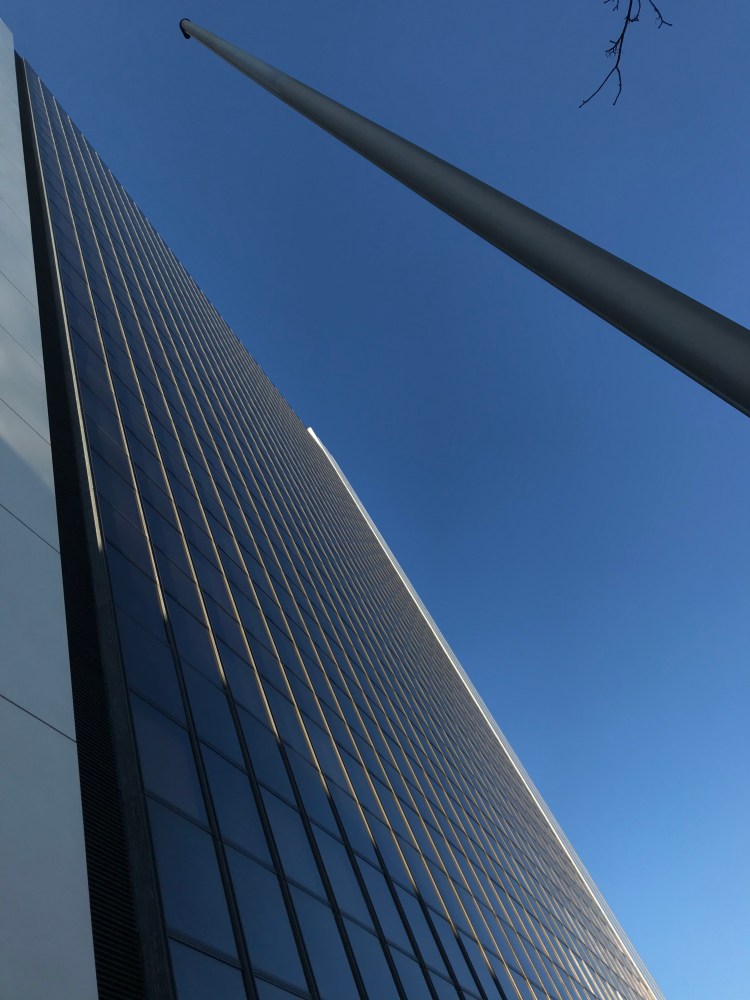
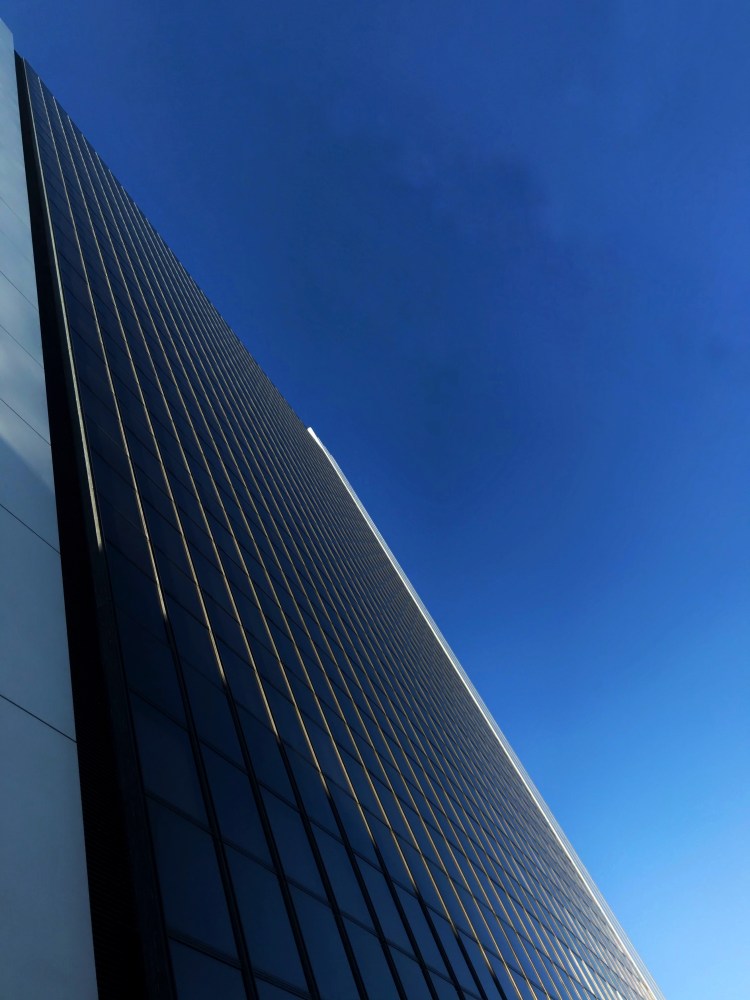
{Using Snapseed to erase the flag pole}
After the above photos were taken, we went to a nearby coffee shop (where he bought me a latte) and started editing the shots. He said that he has used around twenty editing apps and has found Snapseed (which is free) to be his favorite.
We pulled up a shot and he showed me which editing tools were most important and in which order he prefers to use them. However, he stressed that the more editing that is done while the shot is taken, the less time that is needed to edit it afterwards.
I feel I walked away from the class with new tools to use with my Smartphone photography. I know that I won’t remember everything that Danylo taught me. But I hope to incorporate some of the new skills.
Within the first few days after the class, I took the following pictures. Thanks, Danylo.
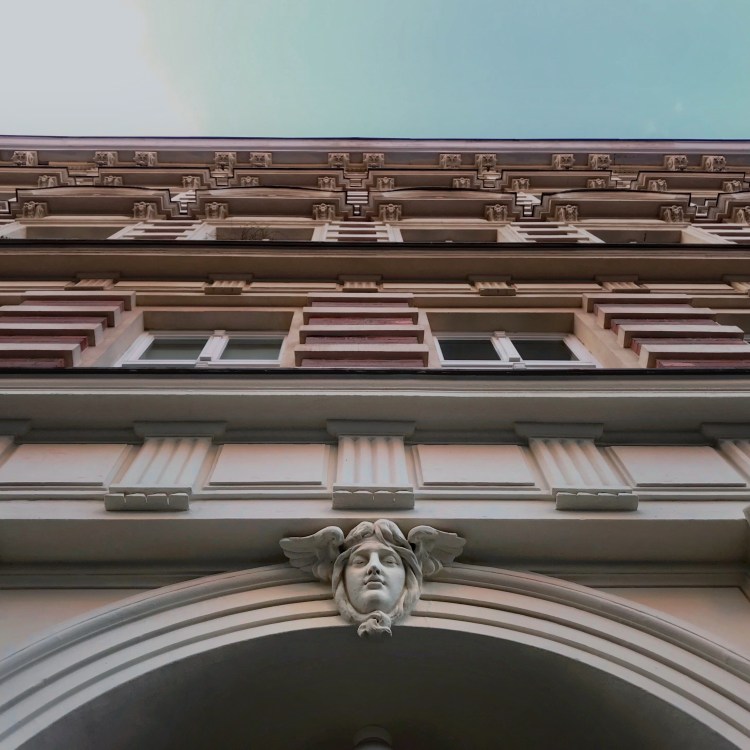
{Zehdenicker Straße, Mitte}
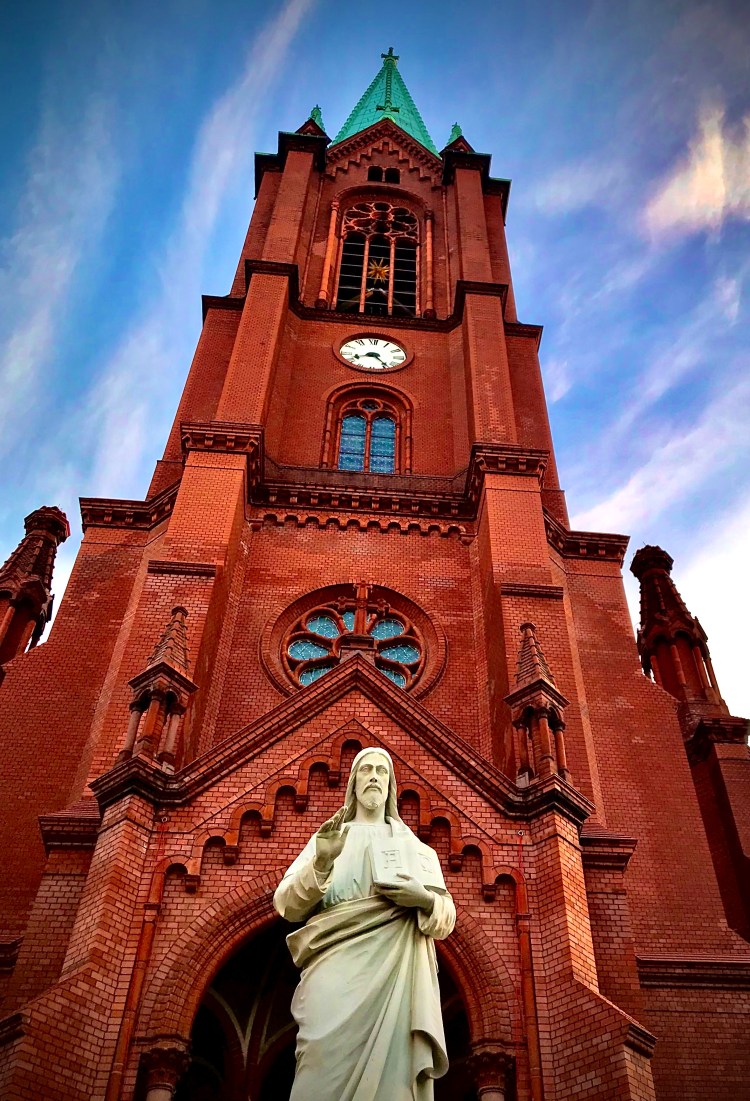
{Gethsemanekirche, Prenzlauer Berg}
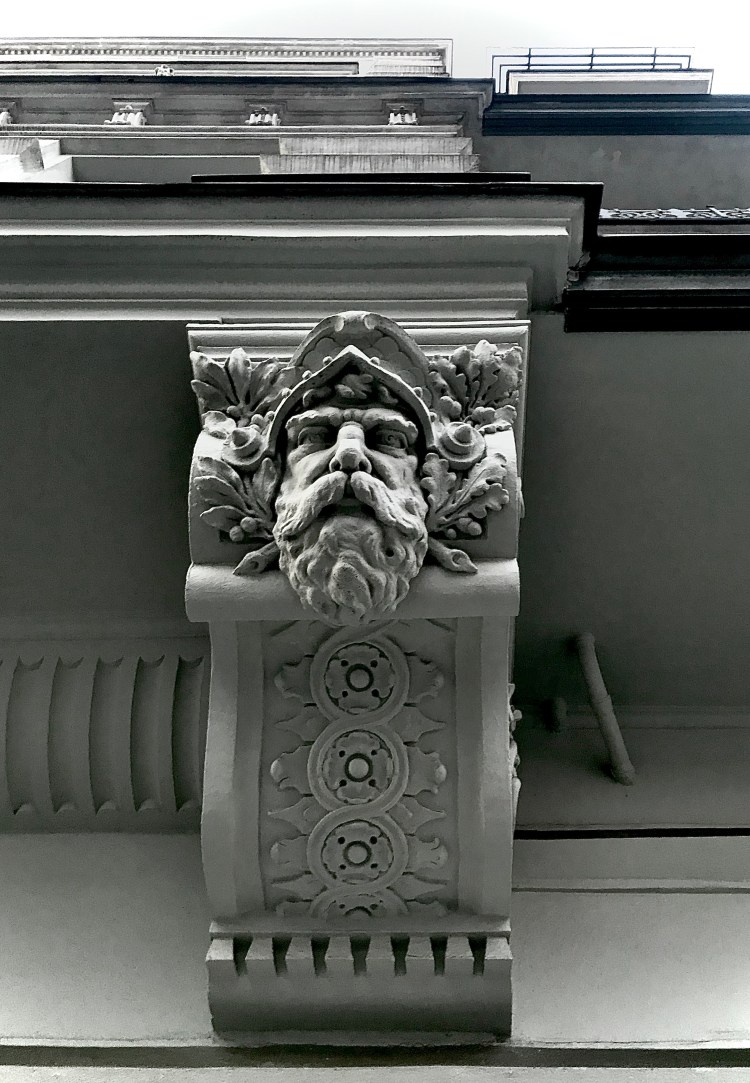 {Stargartner Straße, Prenzlauer Berg}
 Berlin Lubells: Stories of Life in Berlin from an American Expat Mom's First Experience Living Abroad
These are great. How lucky that no one else showed up and you got a private lesson!
xxo
Sign up to receive a new comic every Tuesday
207-653-5407 Lisa@LisaSinicki.com http://www.LisaSinicki.com
Sent with Gmelius
LikeLike
Thank you!
LikeLike